Prepared by Blue Crane Works, October 27, 2026

Four ways your mortgage website could look.

Each direction below is a working page, not a picture. The calculator calculates, the questions open, the form checks what you type. All four share the same words, rules and tools, so the only thing you are choosing between is the look and the feel. The brokerage name, licence number and phone number are samples until we have yours.

The four directions

Open each one on your phone as well as your computer. Many of your visitors will see the phone version first.

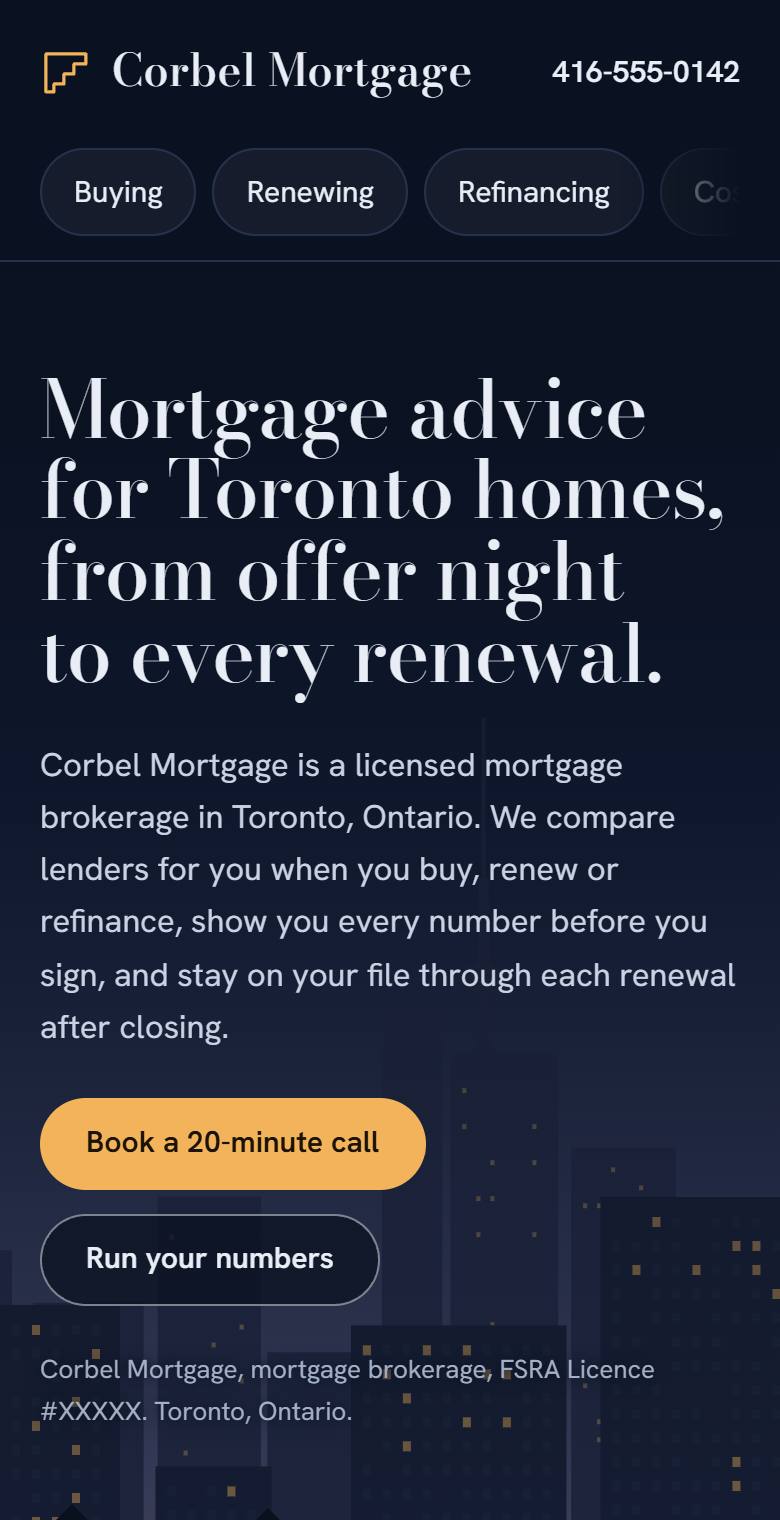
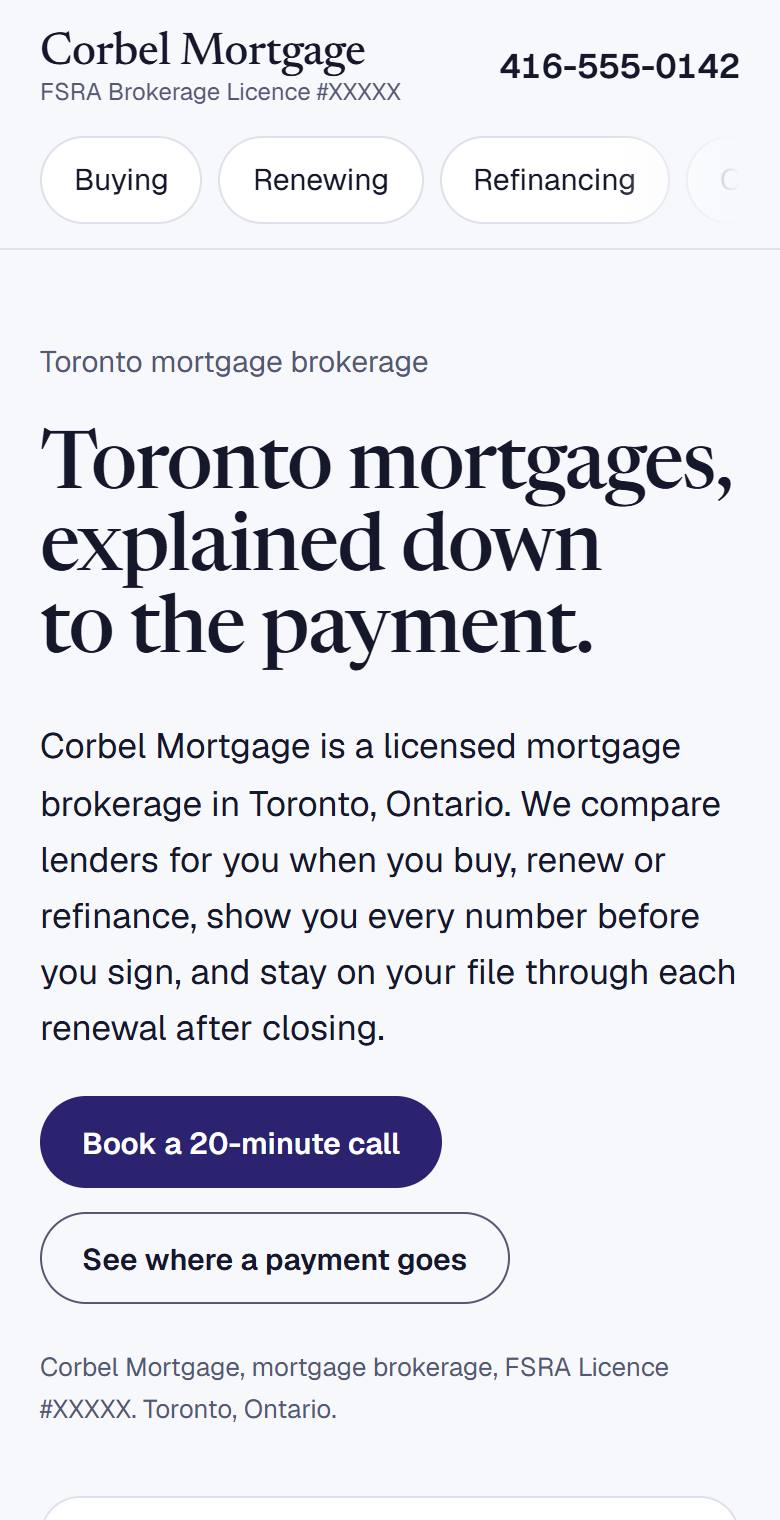
Blue Hour on a computer: a dark navy Toronto skyline at dusk behind the headlineBlue Hour on a phone

Direction 1

Blue Hour

Toronto at dusk. As you scroll, the windows of the skyline and the houses in front of it light up one by one.

Feels
Established, calm, premium
Moves
The city lights come on as you read
Suits
A brokerage that wants to look like the most serious name in the room
Open Blue Hour
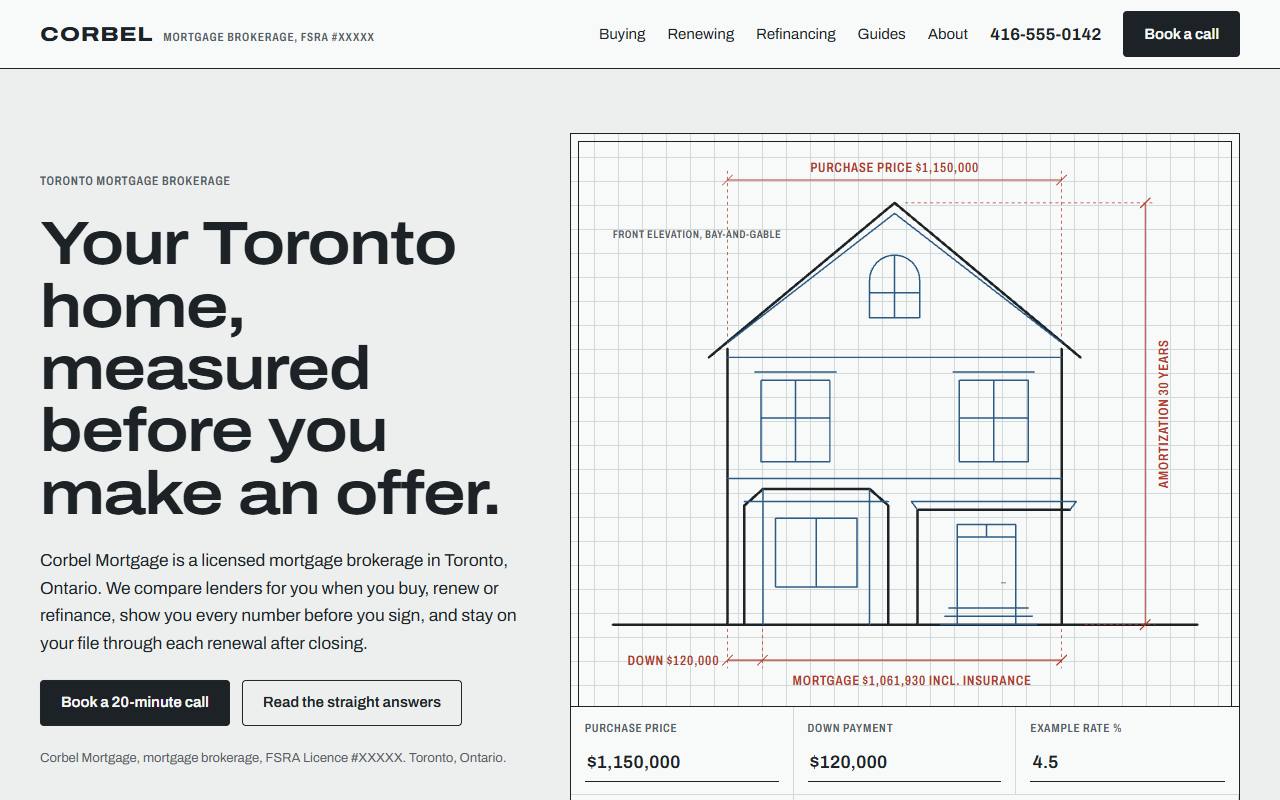
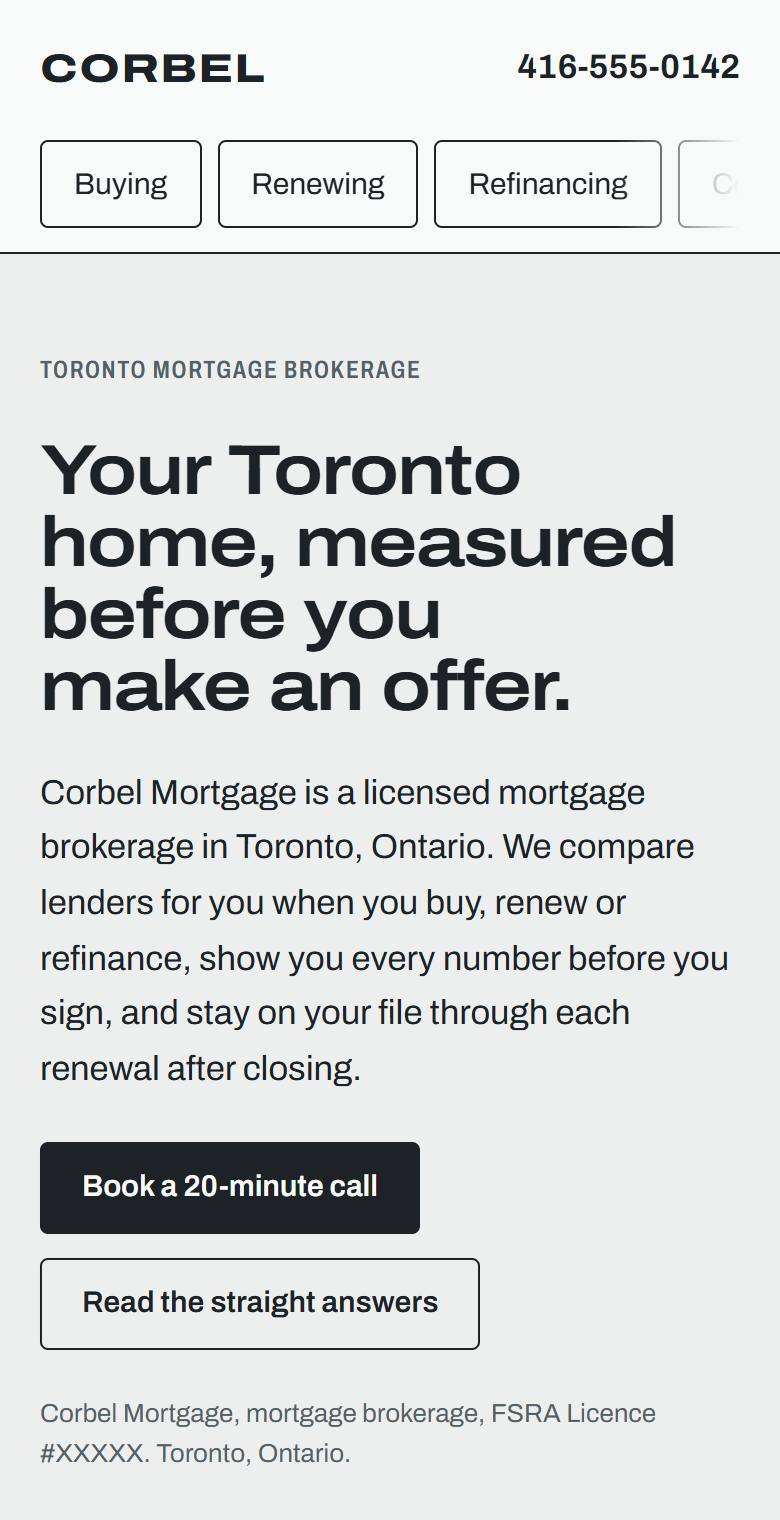
Elevation on a computer: an architect's line drawing of a Toronto house with purchase numbers on its dimension linesElevation on a phone

Direction 2

Elevation

An architect's drawing of a Toronto bay-and-gable house. Type a price and a down payment and the drawing's measurements become your numbers.

Feels
Precise, trustworthy, a little technical
Moves
The house draws itself; the dimension lines follow the calculator
Suits
Buyers who want to see the math before they talk to anyone
Open Elevation
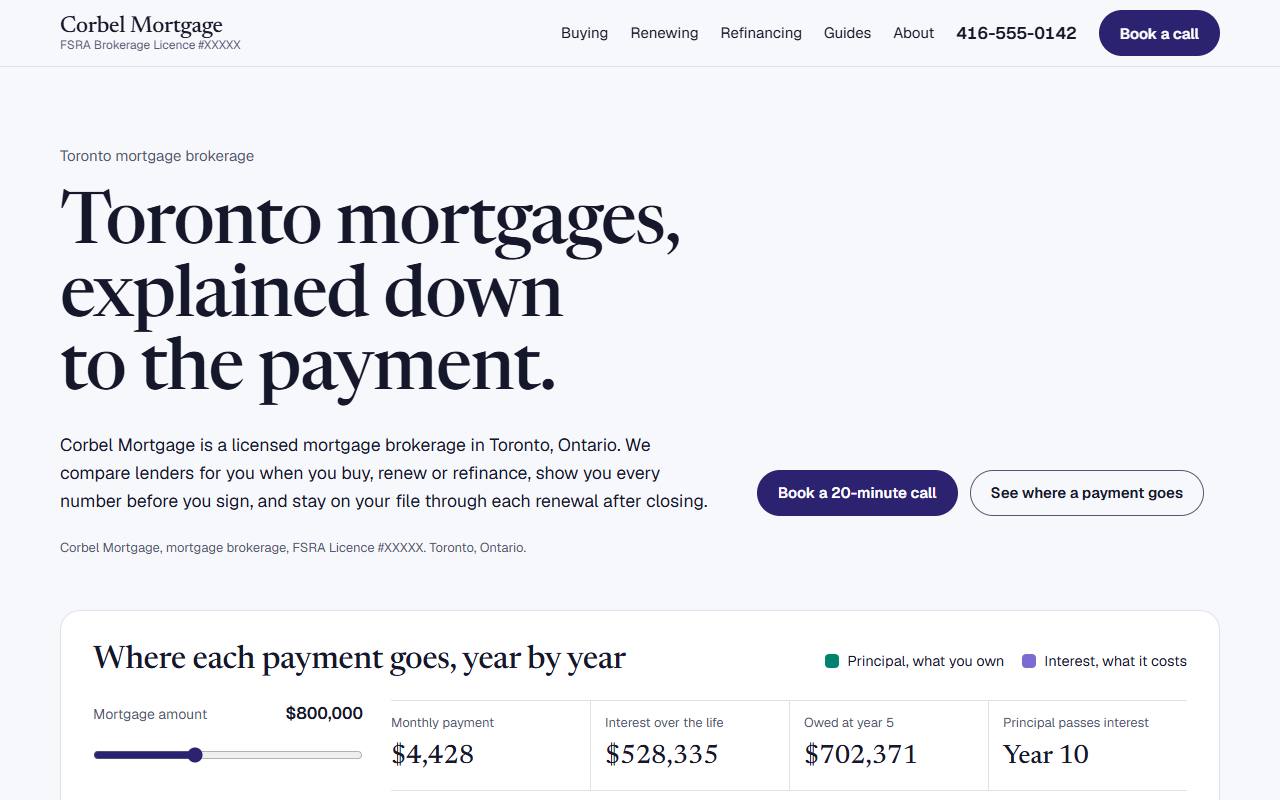
The Curve on a computer: a large serif headline above a chart of a mortgage split into principal and interestThe Curve on a phone

Direction 3

The Curve

The mortgage itself is the picture: every year of payments split into what you own and what it costs, with each renewal marked. It also shows what 30 years costs against 25.

Feels
Editorial, clear, modern; light and dark mode
Moves
The chart redraws as you change the amount, rate or years
Suits
Renewals and refinancing, and clients who like to understand
Open The Curve
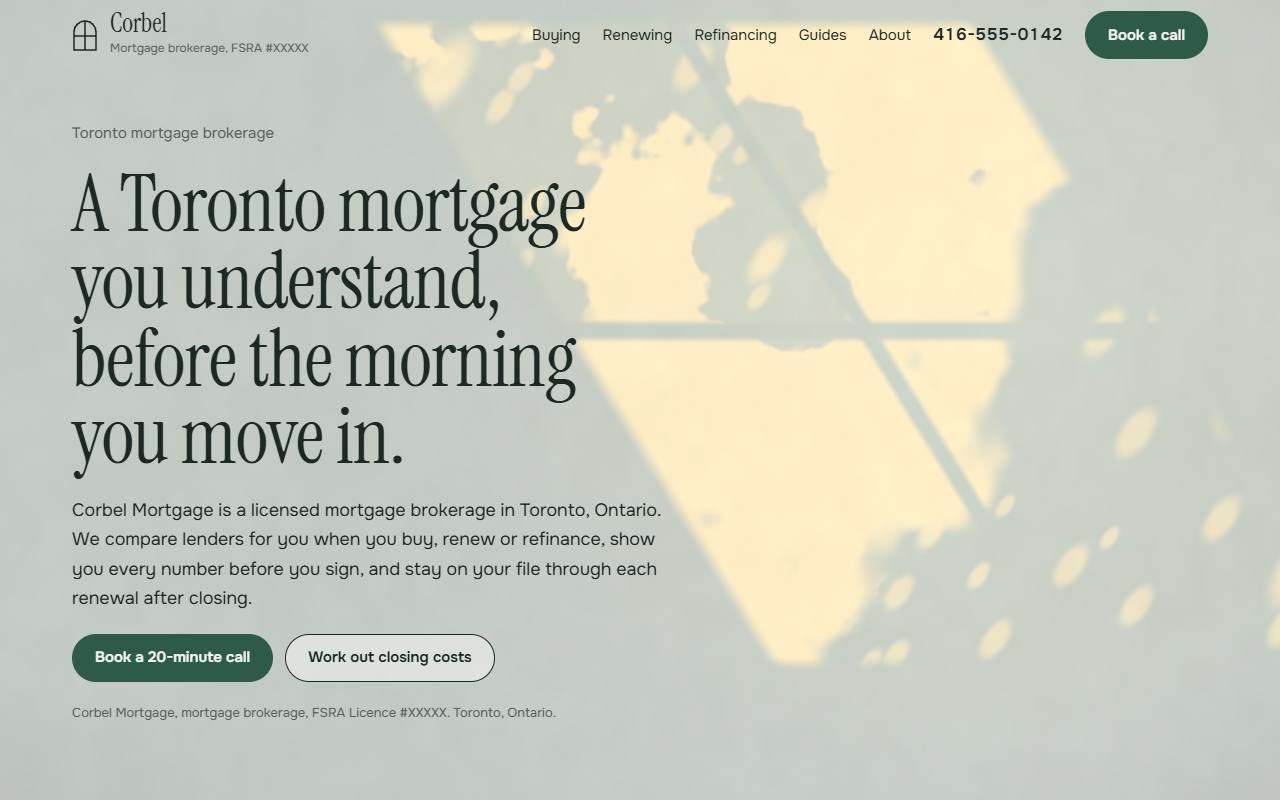
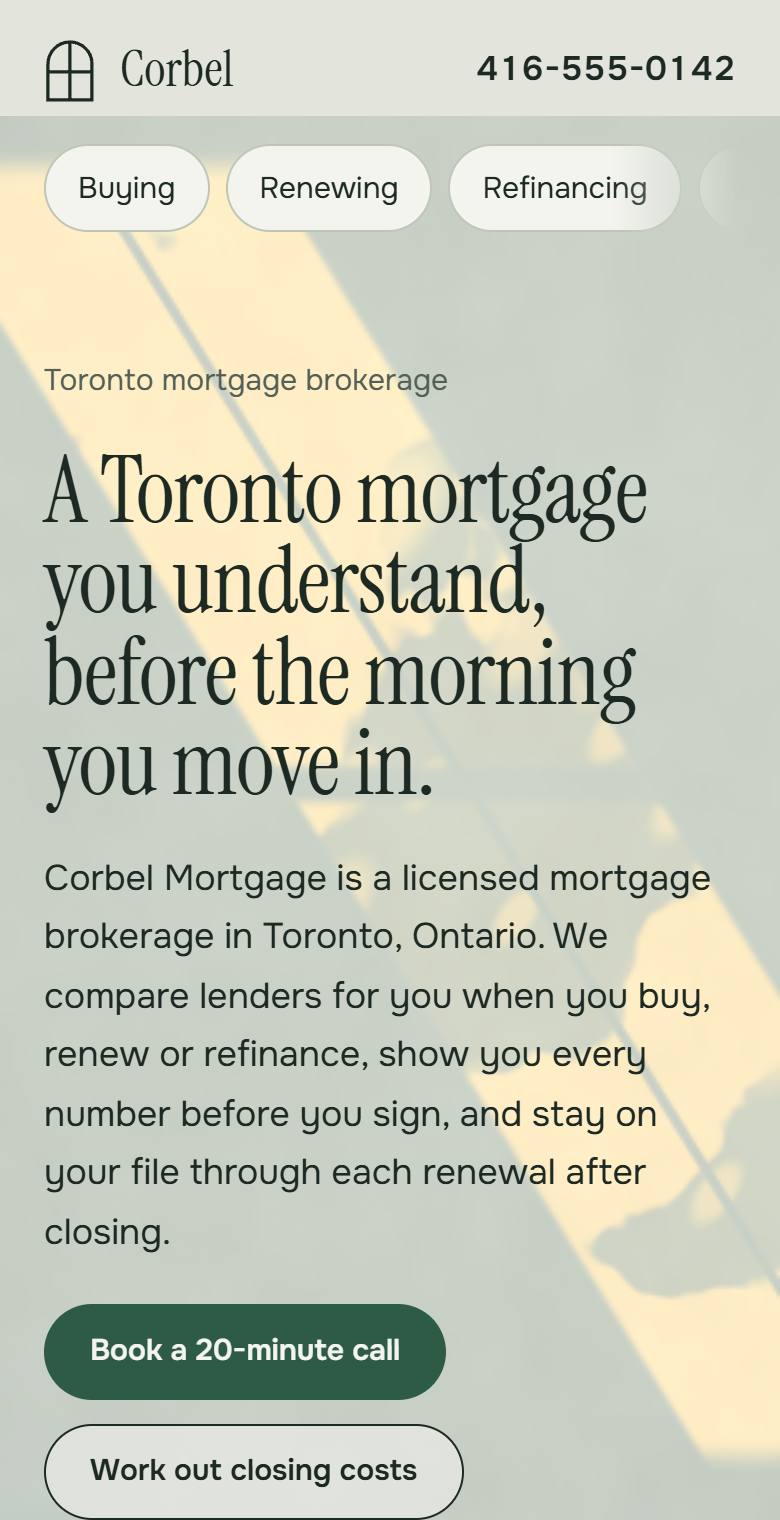
Morning Light on a computer: sunlight through a window and leaves falling on a pale green plaster wall behind the headlineMorning Light on a phone

Direction 4

Morning Light

Sun through a window and a street tree, falling on a plaster wall. The leaves move a little, and the sun climbs as you scroll.

Feels
Warm, residential, quiet
Moves
Live light on the wall, drawn by the browser
Suits
First-time buyers and families
Open Morning Light

What every version has

The look changes. This part doesn't.

Straight answers

Six questions Toronto buyers actually ask, each answered in the first two sentences with its government source. On the live site each becomes its own page.

A closing-cost calculator

Minimum down payment, CMHC insurance and Ontario's sales tax on it, Ontario and Toronto land transfer tax with first-time rebates, and the monthly payment. Checked against the governments' own worked examples: 21 of 21 checks pass.

Every rule, sourced

A table of the rules behind the numbers, each linked to the government page it comes from and dated, so a client or a lender can check it.

Licence where FSRA wants it

Brokerage name and licence number at the top, in the opening paragraph and in the footer, and the broker named with a licensed title, as FSRA's advertising rules ask.

Built for phones first

Works at phone width, by keyboard and with screen readers. The moving backgrounds stay still for anyone whose phone or computer is set to reduce motion.

A form that helps

The contact form asks for a phone number or an email, says plainly what's missing, and confirms when it's done. In these concepts nothing is sent.

How it gets found by Google and AI assistants

Underneath the design, each page carries three things that machines read. These are the real samples, with the sample brokerage details.

1. A business record search engines read

Structured data on every page that says who the brokerage is, where it works and what it is licensed as. It is how Google, Bing and AI tools tie your website, your Google Business Profile and your listings together as one business.

{
  "@type": "FinancialService",
  "@id": "https://www.corbelmortgage.example/#business",
  "name": "Corbel Mortgage",
  "telephone": "+1-416-555-0142",
  "address": { "addressLocality": "Toronto", "addressRegion": "ON", "addressCountry": "CA" },
  "areaServed": ["Toronto", "Greater Toronto Area"],
  "identifier": { "propertyID": "FSRA mortgage brokerage licence", "value": "XXXXX" }
}

2. A short guide to the site for AI tools (llms.txt)

A plain-text index at the root of the site that lists the pages worth reading, written for AI tools rather than people.

# Corbel Mortgage
> Licensed mortgage brokerage in Toronto, Ontario (FSRA licence XXXXX).
> Mortgages for buying, renewing and refinancing.

## Straight answers
- [How much down payment do you need for a Toronto home?](https://www.corbelmortgage.example/guides/down-payment.md)
- [How much is land transfer tax in Toronto?](https://www.corbelmortgage.example/guides/land-transfer-tax.md)
- [Do you pass the stress test again to switch at renewal?](https://www.corbelmortgage.example/guides/switch-at-renewal.md)

## Contact
- Phone: 416-555-0142
3. A clean text copy of every page

Each page is also available as plain text, the same words without the design, for the AI tools that ask for it. Fewer wasted words for them, and the facts arrive with their sources attached.

# How much is land transfer tax in Toronto?
Updated 2026-10-27. Corbel Mortgage, FSRA brokerage licence XXXXX.

Toronto buyers pay two land transfer taxes, Ontario's and the City's,
on the same brackets up to $2 million. On a $1,000,000 home that's
$16,475 each, $32,950 in total. First-time buyers can get up to
$8,475 of it back.

Sources: Ontario Ministry of Finance, City of Toronto (links on the page)

The honest part. Nobody can promise that Google or ChatGPT will show or quote a particular page, and anyone who promises it is guessing. What we can do is build every page the way their own published guidance asks, check it with tools, and measure what happens after launch.

What we saw on Toronto mortgage sites

We studied four well-known ones: nesto.ca, truenorthmortgage.ca, askross.ca and clovermortgage.ca.

  • Most lead with a rate, a phone number and an Apply button.
  • Visitors are split early into buying, renewing and refinancing.
  • Calculators are standard: payment, affordability, CMHC insurance, land transfer tax, trigger rate.
  • Licence numbers are on display; Clover Mortgage puts its FSRA number right under the logo.
  • Service lists cover first-time buyers, renewals, refinancing, self-employed income, private and second mortgages, bruised credit, reverse mortgages and debt consolidation.

Our read: a single brokerage can't win a rate-table race against national online lenders, and doesn't need to. People pick a broker they trust to explain things, and AI assistants look for pages that answer a question clearly with a source. So every direction here leads with plain answers and checked numbers, and keeps the buy, renew, refinance split clients already expect.

What we need from you

Everything marked as a sample in the concepts gets replaced with these. Nothing about your business goes live until you've confirmed it.

  • Brokerage name and FSRA licence numberExactly as FSRA shows it.
  • Your name, licence number and titleMortgage broker or mortgage agent, as licensed.
  • Phone, email, and where you workAn office address, or the areas you serve if you meet clients at home.
  • A photo and your storyYears in the business, neighbourhoods you know, what clients thank you for.
  • The files you take onSelf-employed, new to Canada, rentals, private lending: only what you actually do.
  • Your Google Business Profile and reviewsSo the site and the profile describe the same business.
  • Whether to show ratesRates change daily. If you want them on the site, we agree where they come from and who updates them.
  • Which direction you likeOr which parts of two you'd like combined.